New Lead Response
When an inquiry arrives, the contact enters a calling queue, and the assigned rep is prompted to call.
Workflow Automation
DialTri Call Workflow Automation turns the routine steps around every call, such as routing, retries, reminders, and record updates, into rules that run on their own. Your team talks to customers while the workflow takes care of what happens before and after.

Important Attributes
Each DialTri workflow has a trigger, conditions, and an action, so you can use Automated Call Workflows for a variety of calling scenarios.

Use workflow when a lead arrives, you miss a call, or get an outcome.

Use Call Routing Workflows to push calls to specific queues or agents based on how you define the rules.

Explain calling hours and the frequency of redialing unanswered numbers.
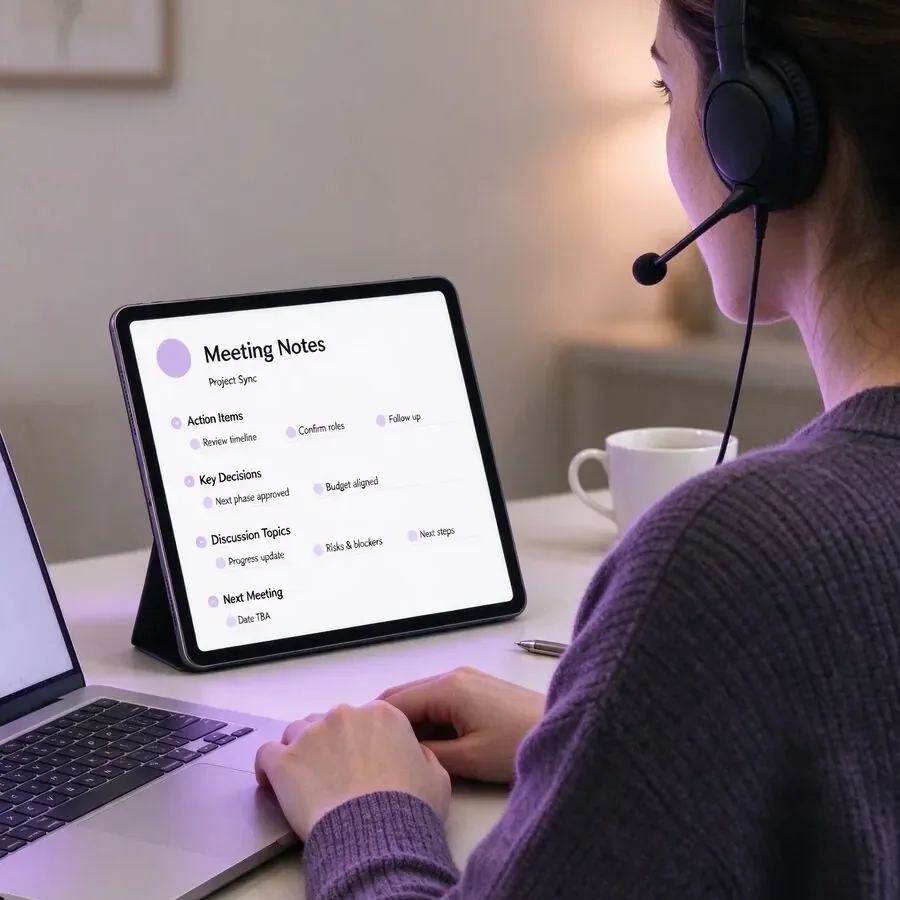
Generate automatic reminders and callbacks after finishing a call.

When you use CRM Call Automation, the contact record reflects call status, notes, and results automatically.
How It Works
Call Workflow automation is always the same, and this is what makes the results easily predictable.
DialTri identifies the event you selected, for instance, the new lead or call not answered.
The list, time of day, and contact status determine which way the call routes.
The flow performs one of the following: routes the call, scheduled for a retry, or takes the contact to an agent.
Save call details to the contact for a full history.
Set a follow-up task/callback for the person who takes action.
Workflow Examples
These Automated Calling Workflows cover the situations that come up in most calling operations.
When an inquiry arrives, the contact enters a calling queue, and the assigned rep is prompted to call.
An unanswered inbound call creates a callback task, so no caller is forgotten.

Unanswered numbers return to the list after the interval you choose, up to a set limit.
Accounts approaching renewal are queued for a check-in call at the right time.
Sales Call Workflows create a next-step reminder after every conversation, so promising deals keep moving.
Good For
Design your call workflow automation for any team you wish or want.

Maintain uniform outreach by ensuring that all leads follow the same follow-up route.
Every lead → the same follow-up route
Use routing and tracing information to direct callers to the correct agent and leave an open request for a return call.
Caller routed → return-call request
Use rules to control queues and agent allocation without transitioning work items.
Queue rules → agent allocation
Never worry about watching Renewals and Check-Ins dates again.
Renewal date → check-in call
Answer inquiries promptly by scheduling every new call for a callback.
New inquiry → callback scheduledAdvantages
Call Workflow Automation automates the little things that can get in the way of your team.
Each call follows the same process, regardless of who answers.
Fewer leads go cold because reminders and callbacks are generated automatically.
Reps spend less time scheduling calls and tasks, and more time talking.
Rules are monitored and fine-tuned based on campaign changes.
New agents and campaigns take existing rules, so they don't need to be duplicated for growth.
It is a way to set rules that handle routine call tasks automatically, such as routing calls, scheduling retries, creating reminders, and updating records.
No. Workflows are built from rules and settings, so most teams can configure the basics without coding.
Yes. DialTri connects with supported CRM platforms, so workflow actions and call outcomes stay linked to contact records.
Yes. Calling hours, retry timing, routing, and follow-up actions can be set for each campaign.
Yes. Rules can route incoming calls and also manage outreach sequences for outbound lists.
Yes. Rules can be adjusted whenever your process or campaign needs change.
Discover useful resources and trusted links handpicked for you.